Guide
Calm Games to Play Instead of Doomscrolling (2026)
Updated June 30, 2026
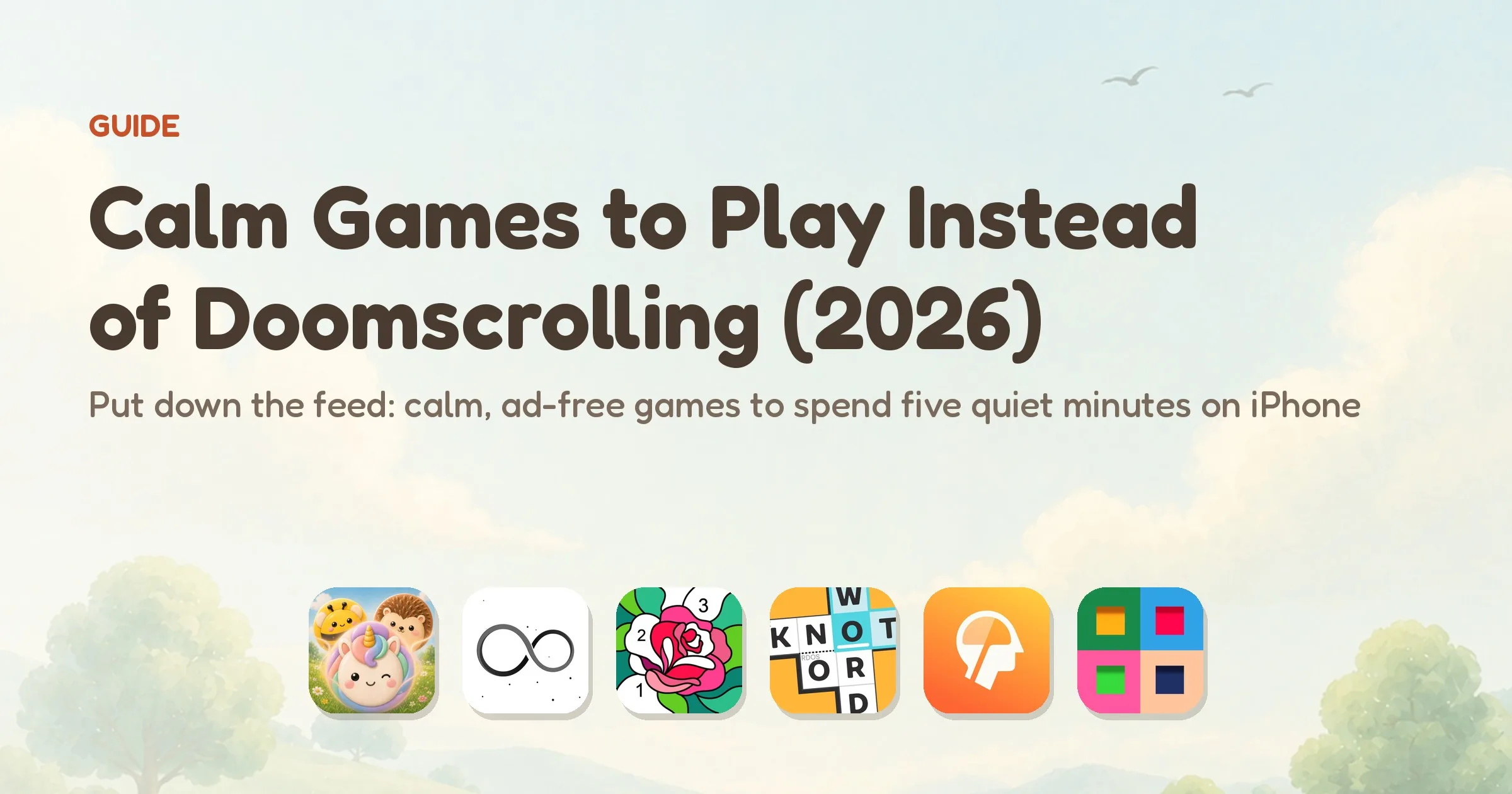
- 🥇Meld — best for swapping the feed for a calm five minutes: gentle on your hands, one quiet thing to follow, a clear end to each game, and completely ad-free with no endless loop. Free to play, with a one-time unlock for unlimited play.
- 🥈Infinity Loop — ad-supported, and its whole pitch is the "never-ending game," so it leans into the same bottomless, just-one-more pull you're trying to step away from; a soothing line-rotating puzzle, but not the one built to be put down.
- 🥉The free puzzlers (Happy Color, Knotwords, and the rest) — calmer than the feed, but most carry ads or a daily-streak hook, so the quiet keeps getting interrupted or nudged.
Doomscrolling isn't really about news. It's a loop: an empty minute, a phone in reach, and a feed engineered to never end. There's always one more post, and the app makes sure of it. You don't feel rested afterwards — you feel a little wrung out, like you've eaten a whole bag of chips without tasting any of them. The fix usually isn't willpower. It's having something else, something better, ready for your thumb in that exact gap.
That's what this guide is for. The trick that actually works isn't "stop looking at your phone" — it's a habit swap: when your hand reaches for the feed, reach for a small calm game instead. It gives the restless part of you the same fidget and the same little wins, but it ends. Below are the six games on iPhone that do this best in 2026, judged on whether they actually feel calmer than the feed, whether they leave you alone (no ads, no endless loop, no nagging), and how honestly they're made. One important catch first: a lot of "games" are built exactly like the feed — ads, FOMO, bottomless loops. The one that takes the top spot here is built to be put down.
Why a calm game beats the feed in that empty minute
Swapping one screen for another only helps if the second screen is genuinely different. A lot of mobile games aren't — they borrow the feed's whole playbook: surprise ads, daily streaks, "energy" timers, a loop with no natural stopping point. Reach for one of those and you've just changed the wallpaper on the same compulsion. The games worth swapping to share a few honest traits:
- It has an end. A round finishes, a board clears, a puzzle is solved. Unlike the feed, there's a natural moment to stop — and the game doesn't fight you when you take it.
- It occupies your hands. A small, repeatable motion — drop, rotate, tap, connect — gives a restless thumb the same fidget the feed gave it, somewhere gentler to land.
- One calm thing to follow. Not outrage, not a dozen competing notifications — just a single, low-effort, pleasant task your attention can rest on.
- No rage-bait, no ads. No feed of things designed to make you anxious or angry; and no surprise video ad yanking you back out of the quiet.
- A pace you set. No timers, no twitch reflexes. Thirty seconds or twenty minutes — you leave when you like, not when an algorithm decides.
- It doesn't claw you back. No streak guilt, no push notifications engineered to drag you in. The whole point is a tool you can put down.
That's the bar this list is sorted on: a calmer, more finite way to spend the minute you'd otherwise have scrolled. It's exactly where the top pick pulls away from the rest.
A note on screen habits
To be plain about it: these are calmer ways to spend a few minutes than the feed — they are not a "digital detox," not a screen-time treatment, and not a digital-wellbeing program or medical advice. A game is still time on your phone; the honest claim here is just that a short, finite, ad-free game tends to feel gentler than a bottomless feed, and that it ends. If doomscrolling or phone use is genuinely getting in the way of your life, that's worth taking seriously with proper tools or a professional — a calmer game is a small swap for the moment, not a cure for the habit.
Calm games to play instead of doomscrolling, compared
| Game | Best for | Price & ads |
|---|---|---|
| Meld | A calm, finite five minutes instead of the feed | Free daily games + $4.99 one-time unlock, unlimited forever (not a subscription) · no ads |
| Infinity Loop | Soothing, low-effort line-rotating | Free · has ads (IAP) |
| Dissembler | Quiet, finite colour-matching puzzles | $2.99 paid · no ads |
| Happy Color | Mindless, pleasant colour-by-number | Free · has ads (IAP) |
| Knotwords | A single tidy daily word puzzle | Free · no ads (IAP) |
| Lumosity | Short, varied brain-game sessions | Free · no ads (subscription) |
Every game here is a quieter use of the same empty minute than the feed. What separates them is what they ask in return — ads breaking the calm, a daily-streak hook nudging you back, or a subscription gate. The free puzzlers are genuinely soothing until an ad lands or a streak starts pulling; only the top pick asks for nothing and is built, end to end, to be set down.
The 6 best games to play instead of doomscrolling (ranked)

1. Meld: Cozy Animal Merge
Best for: a calm, finite five minutes instead of reaching for the feed
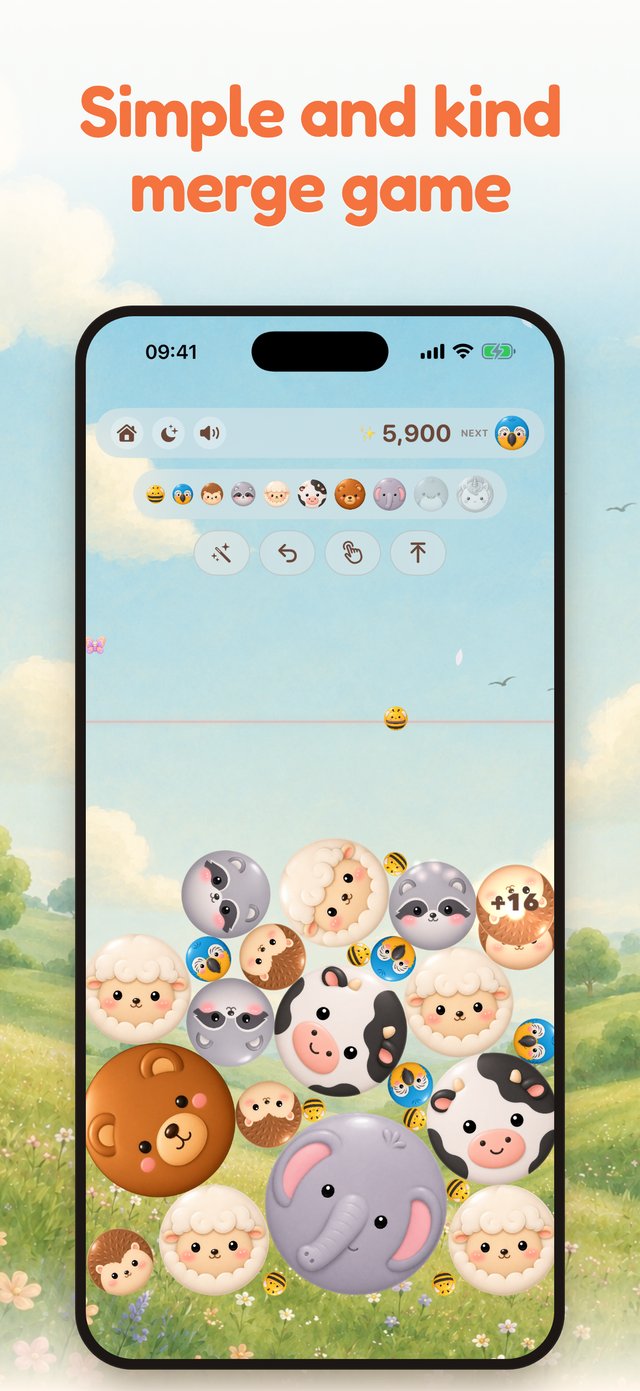



Meld is the rare game that's actually built to do the opposite of the feed. Where doomscrolling hands your thumb a bottomless stream of other people's noise, Meld hands it one small, pleasant thing to do. You drop cute animals into a soft meadow; matching two of the same melts them into a bigger, happier one; and you climb a ten-step ladder from a tiny bee all the way to a rare unicorn. The animals settle like marbles in a jar. Each merge lands with a soft bloom of light and a gentle sound, and the meadow drifts from golden afternoon to a starlit night while you play. Your hands stay busy and your attention rests on that one calm task — the same fidget the feed was scratching, somewhere far kinder.
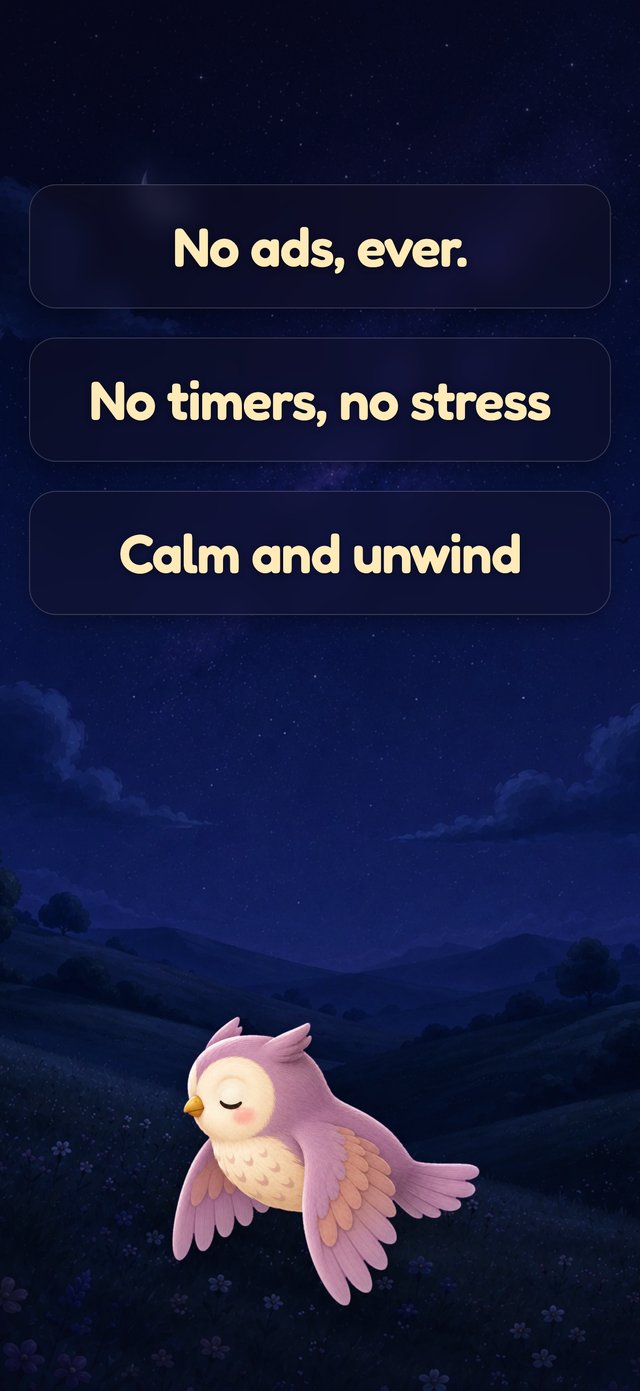
And crucially, it ends. A game finishes, and there's no infinite scroll waiting to swallow the next twenty minutes. Nothing here works like the feed: no ads — ever, no rage-bait, no autoplay, no streak guilt, no guilt-trip notification trying to claw you back. The pricing is just as plain — you get a few games free every day, and if that's not enough, a single one-time unlock ($4.99) gives unlimited play forever; no subscription, no coin shop, nothing else to buy. That's the wedge most "calm" apps can't match: a tool you simply keep, with no monthly bill and nothing engineered to trap you. It's a Suika-style merge game, so if you like that drop-and-combine loop but want it gentle, ad-free, and finite, this is the one to reach for.
Why it's #1: it's the only pick here designed from the ground up to be the anti-feed — calm, ad-free, with a clear end and nothing built to drag you back — free to download on the App Store.
2. Infinity Loop
Best for: soothing, low-effort line-rotating
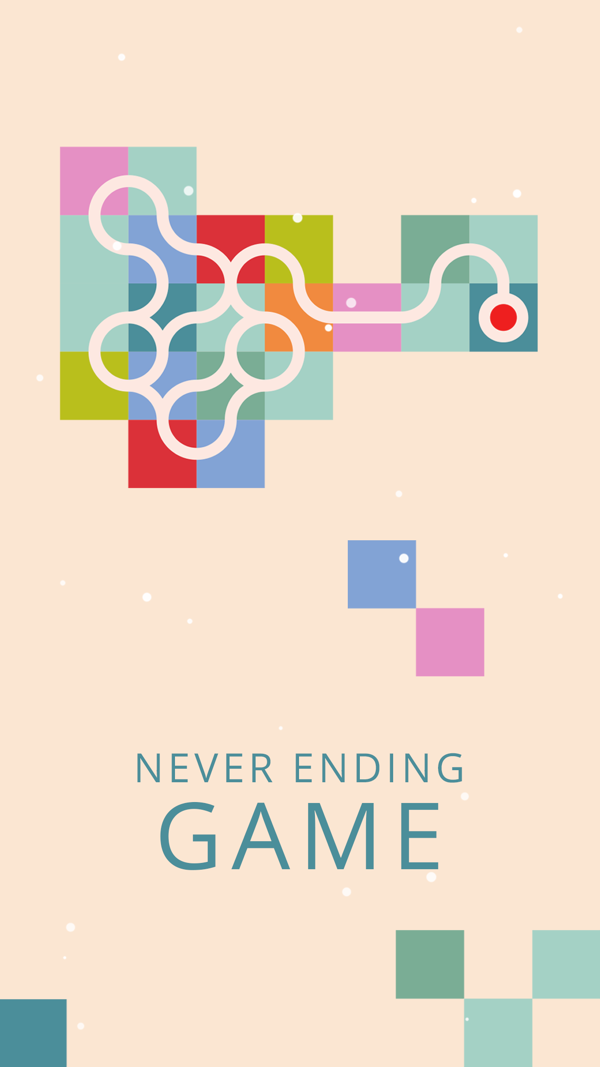
Infinity Loop is about as low-effort as a puzzle gets: tap tiles to rotate the line segments printed on them until every loose end joins up into one clean, closed pattern. There's no timer and no fail state, the soft palette is genuinely pretty, and the rotating motion is the kind of thing your hands can do half-asleep — a real, easy alternative to mindless scrolling. Free to play.
Why it works: calm, tactile, and undemanding. The catch: it's ad-supported, so a video can break the quiet mid-session — and the app bills itself as the "never-ending game," leaning into the same bottomless, just-one-more pull you're trying to escape rather than giving you a clean place to stop.
3. Dissembler
Best for: quiet, finite colour-matching puzzles
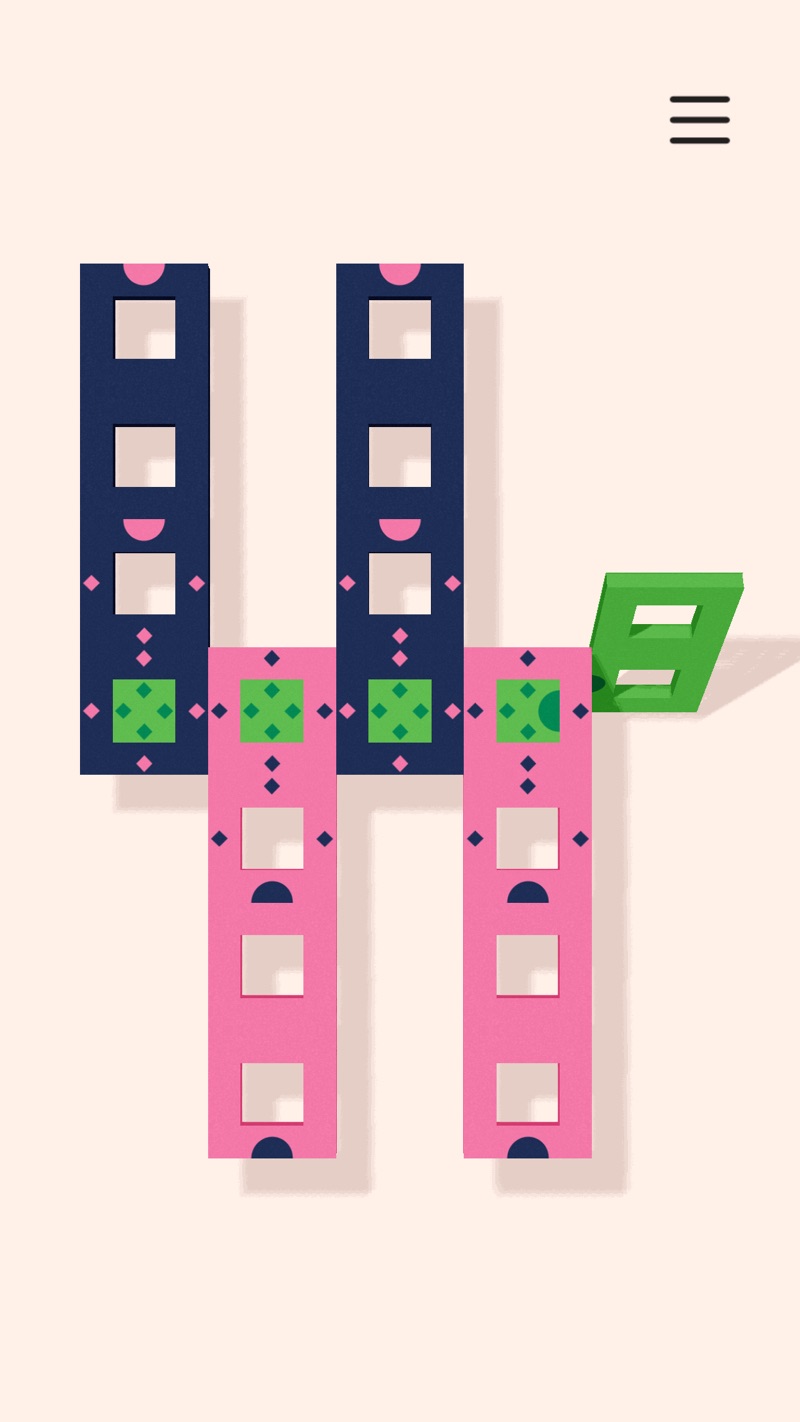
Dissembler is a small, beautifully restrained puzzle: swap adjacent tiles so three or more of a colour line up, and they vanish, the goal being to clear the whole little board. The muted palette and soft, satisfying pops make it lovely to sit with, and because each puzzle is a contained, solvable thing, you get the merge-style "done!" feeling without anything endless underneath. It's a paid game (about $2.99), which is also why it carries no ads.
What makes it a genuine anti-feed pick is its shape: a finite, curated set of puzzles plus a daily one, rather than a bottomless content firehose. The honest limit is the flip side of that — it's a one-time purchase with a defined amount to play, so once you've worked through it there's less to keep coming back to. For the habit swap, though, "a thing that ends" is the feature, not the bug.
4. Happy Color
Best for: mindless, pleasant colour-by-number
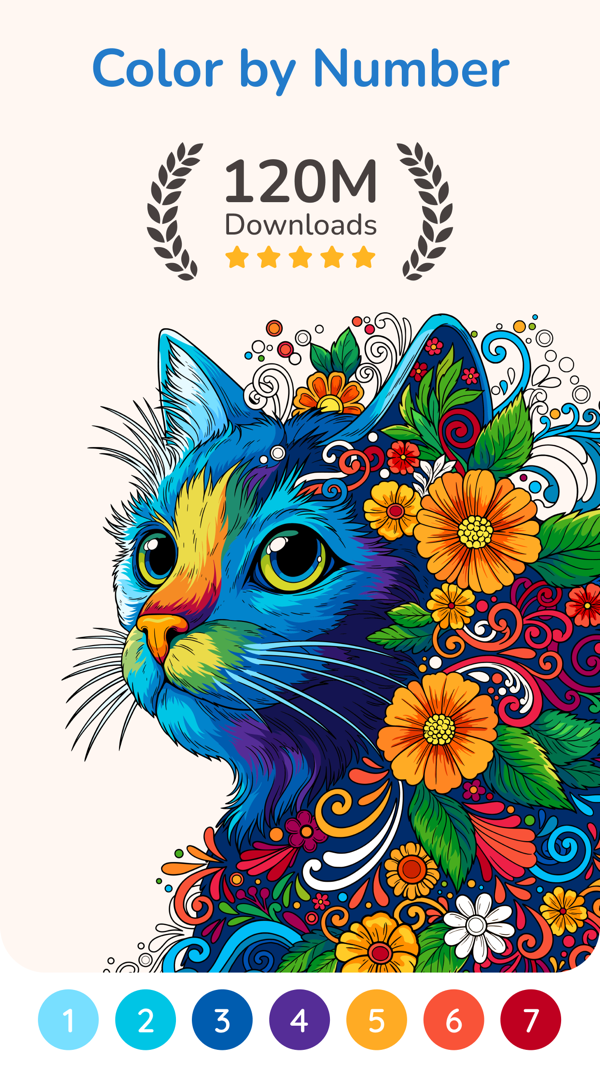
Happy Color is colour-by-number for grown-ups: pick a picture, and tap each numbered region to drop in its colour, watching a blank outline slowly bloom into a finished image. It's almost thoughtless in the best way — a steady, pleasant, repetitive motion that's easy to lose a few quiet minutes in, with a huge library of pictures so you'll never run dry. Free.
Why it works: genuinely soothing, almost meditative tapping, and a finished picture as a tidy little reward. The catch: it's ad-supported and free-to-play, so banner and video ads sit right inside the calm loop unless you pay to remove them — exactly the interruption the swap is meant to avoid.
5. Knotwords
Best for: a single tidy daily word puzzle
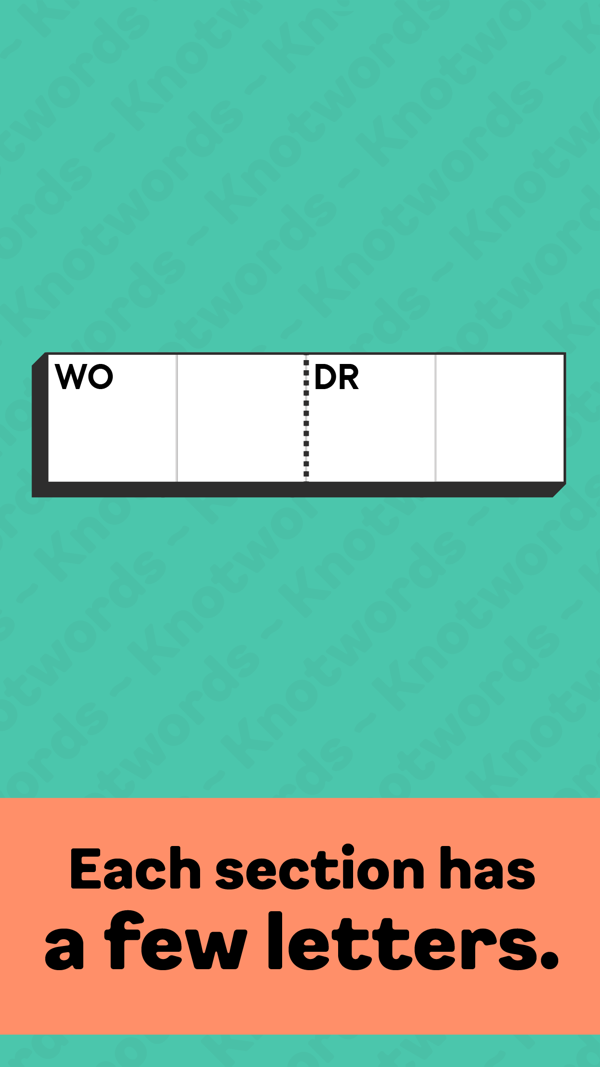
Knotwords is a clever little cross between a crossword and a logic puzzle: each section of the grid is given a few letters, and you arrange them so every row and column spells a real word. It's a tidy, self-contained brain-tickle — there's a daily puzzle you can do in a few minutes and then walk away from, which is precisely the rhythm you want when you're trying to do one calm thing instead of falling down the feed. Best of all, it's free with no ads.
Why it works: a satisfying, finite daily puzzle with no ads to break the quiet. The catch: it's more of a thinker than a wind-down — if your head's already buzzing, the word-logic can feel like work rather than rest, and the larger pack of puzzles sits behind a one-time purchase.

6. Lumosity
Best for: short, varied brain-game sessions
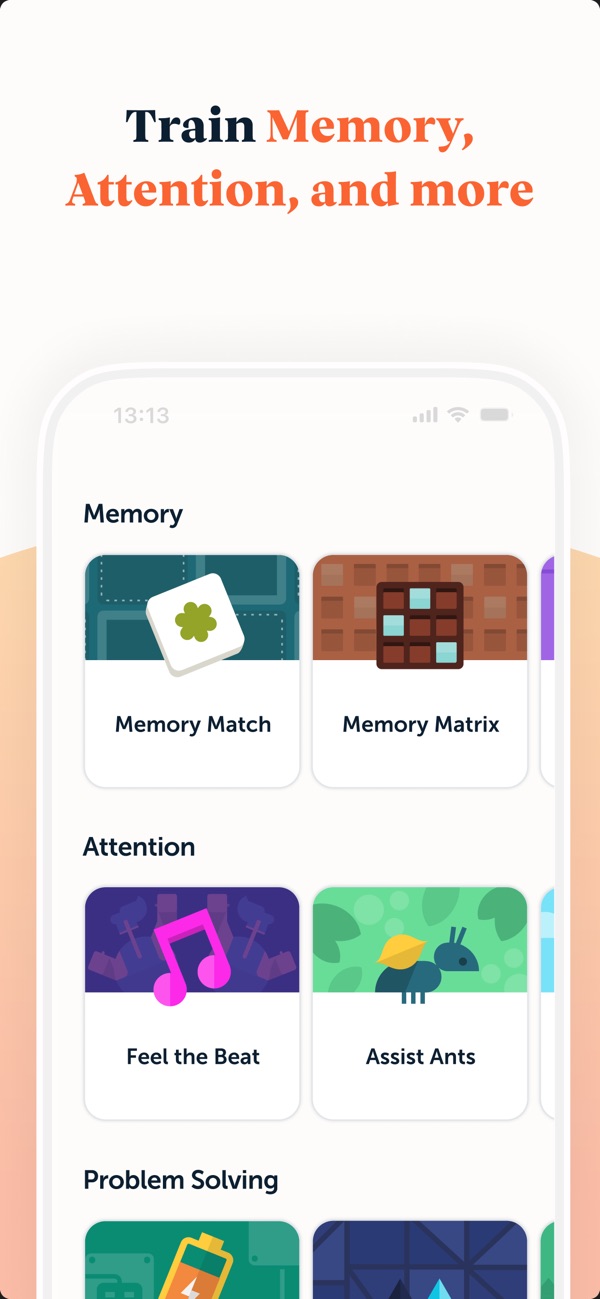
Lumosity is a tidy little library of short, colourful mini-games — quick memory, attention, and matching exercises designed to be played in brief, self-contained bursts. For the feed-reflex, that bite-size shape is the appeal: instead of an endless scroll, you do a couple of two-minute games and you're done, with something that at least feels more active than passively absorbing posts. Free to start, with no ads.
The honest caveat is the model and the framing. The free tier is a daily taste; the full set of games sits behind a subscription, so unlike a one-time purchase you're renting access. And it's pitched as "brain training" — a claim that's been heavily debated — so it's best treated simply as a small, varied set of puzzles to fill a minute, not as a workout for your mind.
What people want instead of the feed
Spend time in communities like r/iosgaming or r/nosurf and the same wish keeps surfacing: people who catch themselves doomscrolling and want something to put in their hand instead — not another rabbit hole, just a small, finite thing to do with the urge to fidget. They describe the reflex exactly: an empty minute, the phone already out, the thumb already moving. They don't want a challenge or a story. They want a soft, low-stakes place to land for a few minutes that doesn't leave them feeling hollowed out — and that lets them stop.
The frustration that comes up just as often is that the obvious replacements are built like the thing they're fleeing. "Relaxing" games stuffed with ads, daily-streak guilt, energy timers, and loops engineered with no natural end — a feed in a different costume. What people actually ask for is something with a clear stopping point, no ads breaking the quiet, and nothing nagging them back once they've put it down. That exact gap — a calm, finite, completely ad-free few minutes with no manipulation in between — is the space Meld is shaped to fill.
Swapping the scroll, by situation
When your thumb reaches for the feed
Meld — gentle, low-stakes, and finite. Something soft to do with the reflex, with a clear end so you're not pulled into another twenty minutes.
Last thing before bed
Meld, one-handed in low light — no autoplay rabbit hole, no bright rage-bait, no surprise ad to jolt you awake as you settle; more in our before-bed guide.
For restless hands
Meld's drop-and-merge is made for fidgeting — the same small, repeatable motion the feed was scratching, somewhere kinder.
A two-minute break at your desk
Meld. Pick it up between two tasks, set it down when the game ends — no bottomless stream you have to tear yourself away from.
When you're bored and reaching
Meld gives boredom one calm thing to follow instead of an algorithm's choice; more in our bored-games guide.
If you can't stand ads or rage-bait
Meld — no ads, ever, no outrage, no endless loop. Just the game, free to play, with nothing engineered to keep you hooked.
How we ranked these games
This guide deliberately leaves out anything built on aggressive ads, energy timers, or "log in or lose your streak" pressure — those are the feed's tricks in a new costume, not an escape from them. Every game here was opened and checked against its current App Store listing in June 2026 to confirm its price, ad status, and how it actually makes money (prices and in-app models drift, and many older "relaxing games" lists are out of date). The wider picks reflect what cozy- and iOS-gaming communities — and the no-surf crowd — reach for when they're trying to break the scroll. Each game was weighed on three things: whether it genuinely feels calmer and more finite than the feed, how fairly it treats your time and attention, and how much it asks for in return.
To be clear about the frame: these are calmer ways to spend a few minutes — a gentle swap for the moment you'd otherwise have scrolled — not a "digital detox," not a screen-time treatment, and not a digital-wellbeing program or medical advice. A game is still time on a screen. If phone use is genuinely getting in the way of your life, that's worth taking seriously with proper tools or a professional; what a good calm game can do is be a kinder, finite thing to reach for in the moment, and that's exactly how this list is judged.
App icons and screenshots are the property of their respective developers, shown here for reference. Prices, content ratings, and availability were accurate as of June 2026 and may change.
About the #1 pick
Meld is a cozy, ad-free animal merge game for iPhone, made by one independent developer. Free to play — you get a few games every day; a single one-time unlock ($4.99) gives unlimited play forever. No ads, no timers, no endless loop, no subscriptions, ever.
Frequently asked questions
What can I play instead of doomscrolling?
Try a small, calm game that ends — something to give your thumb the same fidget the feed did, but with a clear stopping point. Meld is built for exactly that: a calm, ad-free game where you drop and merge cute animals at your own pace, with no infinite scroll, no rage-bait, and a game that finishes. It lightly occupies your hands and rests your attention on one pleasant task, a gentler way to spend the minute you'd otherwise have scrolled. It's a calmer swap for the moment, not a digital-detox program or a cure for the habit.
Are there games that actually help you stop scrolling?
A game can't make you stop on its own — but a calmer, finite one is a far better thing to reach for in the gap where you'd usually open the feed, because it gives you the same little wins and then it ends. Meld is made around that idea: completely ad-free, no endless loop, no streak guilt, just a soft, repeatable thing to do that you can put down. Think of it as a kinder swap for the moment rather than a screen-time treatment — if phone use is a real problem, that's worth addressing with proper tools.
Aren't most games just as addictive as the feed?
Many are — they borrow the same playbook of surprise ads, daily streaks, energy timers, and loops with no natural end, which is just doomscrolling in a different costume. That's exactly why the pick here matters. Meld is built to be put down: no ads, no rage-bait, no streak nagging you back, and a clear end to each game. It's a calm thing to do for a few minutes, designed so you can stop when you like rather than engineered to keep you hooked.
Is there a calm game with no ads and no endless loop?
Yes — Meld has no ads at all, and never will: no video ads, no banners, nothing interrupting a quiet moment. And unlike a feed, each game finishes, so there's no bottomless stream to fall into. Many free "relaxing" games are ad-supported or built to be endless, which rather defeats the point. Meld is free to play with a few games each day, funded by one optional one-time unlock instead of by interrupting or trapping you.
Is Meld a screen-time or digital-wellbeing app?
No — Meld is a calm, cozy game, not a screen-time tracker or a digital-wellbeing program, and it doesn't claim to treat anything. It's still time on your phone; the honest difference is just that it's a short, finite, ad-free thing to do instead of a bottomless feed, and it ends. It's a gentler swap for the moment you'd otherwise have spent scrolling — not a detox, not a cure.
Is Meld free?
Meld is free to play — you get a few full games every day at no cost, with no ads. If you want to play beyond the daily games, a single optional one-time unlock ($4.99) adds unlimited play forever. There's no subscription and nothing else to buy, so unlike the apps that rent you your calm by the month, you're never paying twice.
Does Meld have ads or in-app purchases?
No ads, ever — no banners, no video ads, nothing. There's just one optional in-app purchase: a single one-time unlock ($4.99) for unlimited play. No subscriptions, no coin shops, no pay-to-win, and no gambling-style mechanics — nothing else to buy, and nothing engineered to keep you scrolling.